Action Reaction 
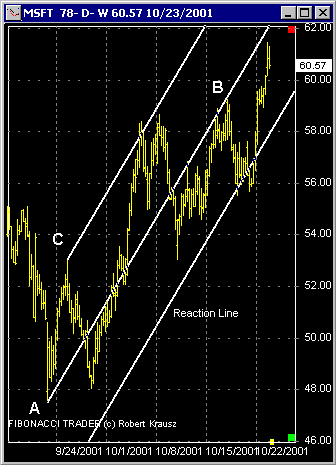
Draw a main line from an important bottom and top (A-B). Then click on the third point (C). This will draw a parallel line from point C and also a Reaction Line. The Reaction Line is also parallel and is drawn using the same distance between line A-B and point C.
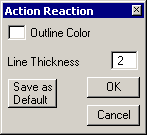
The Action Reaction Parameters window can be used to change the color and thickness of the lines.
Since 1992