Trend Line
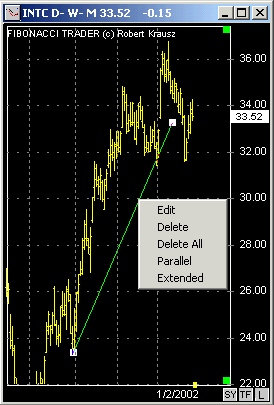
Click on the Trend Line button , go to the chart, click where you want to start the trend line and drag it to where you want it to end.
If you right click on a Trend Line you will see a menu with the options edit, delete, delete all, parallel, and extend.
In the Trend Line Parameters window you can change the line color and thickness.
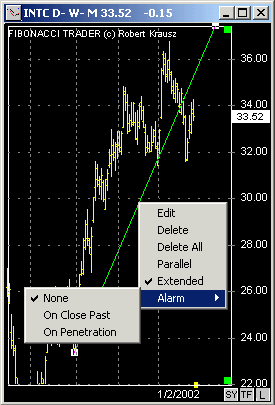
When you create an Trend Line with the 'extend' option set to on a alarm will be available in the trend line right click menu.
You can set it alarm to initiate when a bar closes past the trend line or just crosses it.
Since 1992